ADDRESS
Via Melchiorre Gioia, 11
Turin (Italy)
10121
ADDRESS
Via Melchiorre Gioia, 11
Turin (Italy)
10121
DynCTRL
P.IVA 13097430014
Use the Multiphysics Digital Twin to Design and Tune Your Control Logic in Simulink
Multiple Ready-to-Use control models coupled with accurate and detailed motor plant
DynCTRL allows to design, simulate and tune your control model.
The control library is available as Simulink Library objects, ready to used in seconds
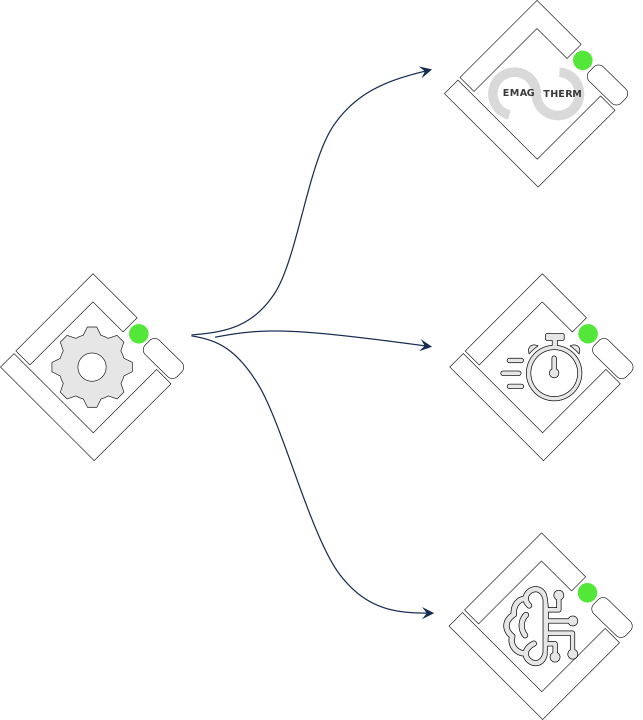
What are the Control Logics Available with DynCTRL?
Multiple control logic available and ready to be used as Simulink library
How is Designed the Motor Plant?
The motor plant is completely developed in Simulink and automatically includes all the output of Motor Unity needed to accurately represents the electric motor magnetic and electric behaviour.
How Long Does it Take to Build and Export the Dynamic Control Model?
MoBeLIV has built the procedure for you, with Instantaneous Control Model Build & Export procedures embedded in Motor Unity
Benchmark your electric machine design capabilities and processes
Discuss your specific electric machine design challenges or request a demo
Get expert analysis of your design toolchain and workflow
Export to Multiphysics Environment & Control Platform